
Dhaka
০৫:৪২ পূর্বাহ্ন, সোমবার, ০৩ অগাস্ট ২০২৬, ১৮ শ্রাবণ ১৪৩৩ বঙ্গাব্দ

News Headline:
Login to Google Account with Selfie Video

Farhan khan
- আপডেট সময় : ০৭:২১:০৪ অপরাহ্ন, রবিবার, ২৬ জুলাই ২০২৬ ৬ বার পড়া হয়েছে
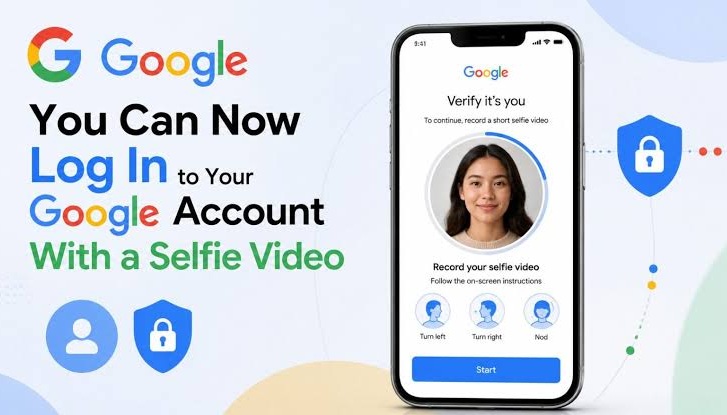

Google is introducing a new feature to make account login both safer and easier. From now on, users will be able to access their Google accounts by verifying their identity through a selfie video.
According to tech news outlet Engadget, this feature adds a new dimension to biometric security. It will be especially useful when your phone or computer isn’t nearby, or when other login methods aren’t available.
How to Enable the Feature
- Go to Google My Account → Security and Sign-in.
- Under How you sign in to Google, select Selfie Video.
- Click Add selfie for sign-in → Continue to start setup.
- If your computer has a camera, you can complete face verification directly.
- If not, a QR code will appear on the screen. Scan it with your smartphone to finish the process.

Things to Keep in Mind
- Remove glasses or masks so your face is clear.
- Avoid having other people or a cluttered background in the video.
- During setup and future logins, Google may ask you to move your head in different directions. This helps detect deepfake attempts and ensures a real person is in front of the camera.
Video Security
Google says all selfie videos will be fully encrypted and used only for identity verification and sign-in. Users can delete their stored video anytime by going to the Video Verification page and selecting Delete.
নিউজটি শেয়ার করুন
আপলোডকারীর তথ্য